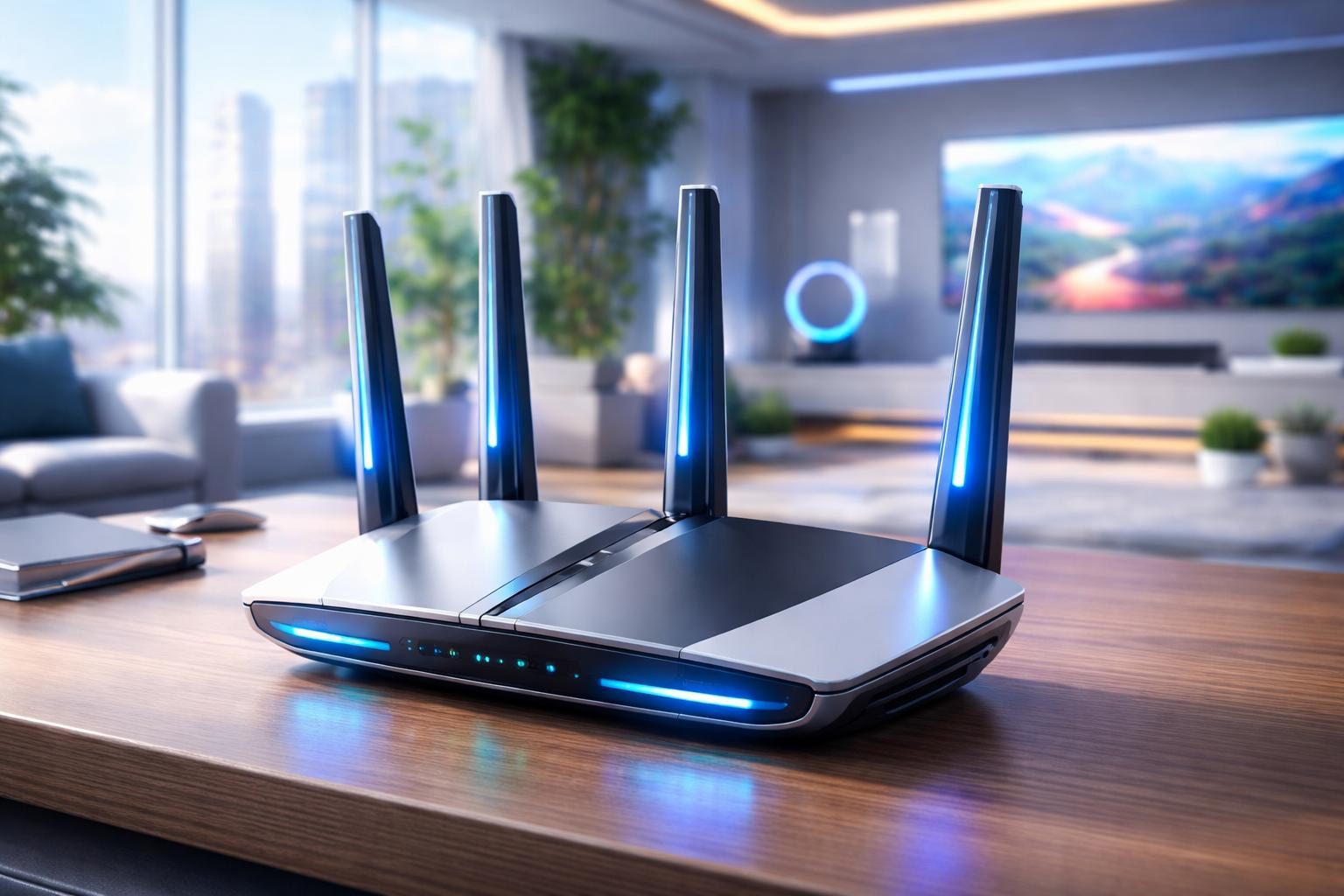
Online classes, remote work, video calls and streaming all need fast internet, yet some corners of a home may get weak signals. Try these steps first.
- Place the router well: central, raised and in the open—not in a cupboard, on the floor or in a corner. Thick walls, mirrors, aquariums and metal block signals.
- Keep it away from interference such as microwave ovens, cordless phones and Bluetooth speakers.
- Restart it regularly, about once a week.
- Use a strong password with WPA2 or WPA3 security, and change the router’s default admin password.
- Use the 5 GHz band for speed at close range and 2.4 GHz for distant rooms.
- Update the firmware for performance and security.
- Replace an old router; mesh Wi-Fi or extenders help in large homes.
- Use a cable for computers, smart TVs and consoles.
Still slow? Run a speed test and, if you consistently get less than your package, report it to your provider with screenshots.